 info@coloicc.com
 Server colocation, rack
space and cloud hosting for business workloads
 09639123123
Equipment checks
Ask for visual checks around a named server, appliance or rack item when your team cannot inspect it in person.

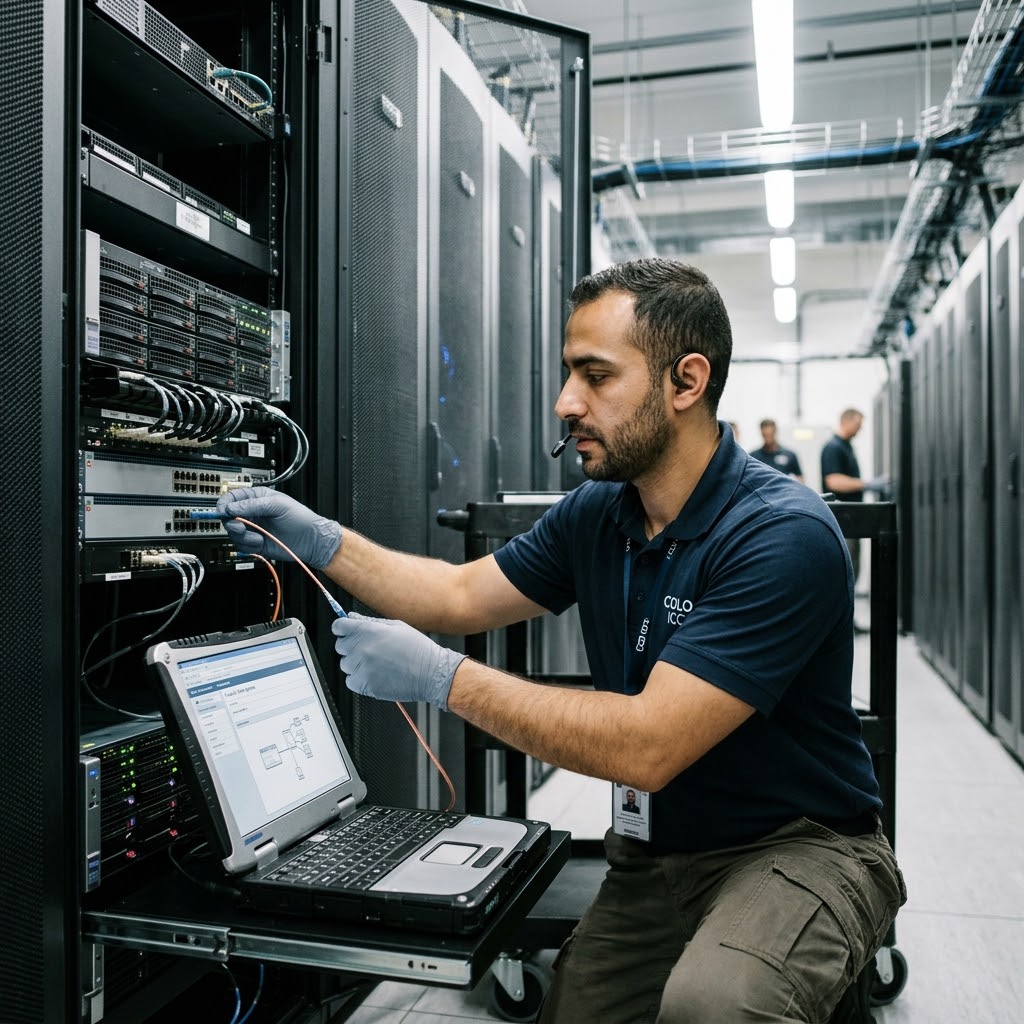
Smart Hands requests work best when the task is specific and authorised. Share the device, location name and expected outcome so Colo ICC can review the right next step.
Ask for visual checks around a named server, appliance or rack item when your team cannot inspect it in person.
Provide port labels, device names and the intended connection path before requesting a cable or port-related check.
Describe the device and approval contact before asking about reboot or power-cycle coordination.
Include names, timing, references and any change notes so the request can be routed and confirmed clearly.
A Smart Hands request should explain the equipment, location context and exact outcome your team wants. That detail helps Colo ICC review whether the request can be routed and coordinated clearly.
Do not send passwords, private keys or sensitive credentials in a first email. Colo ICC can advise the appropriate next step for sharing access details if needed.
Share the service or location name, device label, rack or unit reference if known, and the person authorised to discuss the task.
Describe what needs to be checked, connected, identified or power-cycled, including the expected result after the task.
Include preferred timing, change reference if your team uses one, and the phone or email contact who can confirm the next step.
Share the device, location context, task objective and authorised contact. Colo ICC can then review the request and route the next conversation clearly.