 info@coloicc.com
 Server colocation, rack
space and cloud hosting for business workloads
 09639123123
Service disruption
A business service, hosted system or customer-facing workload is unavailable or behaving unexpectedly.

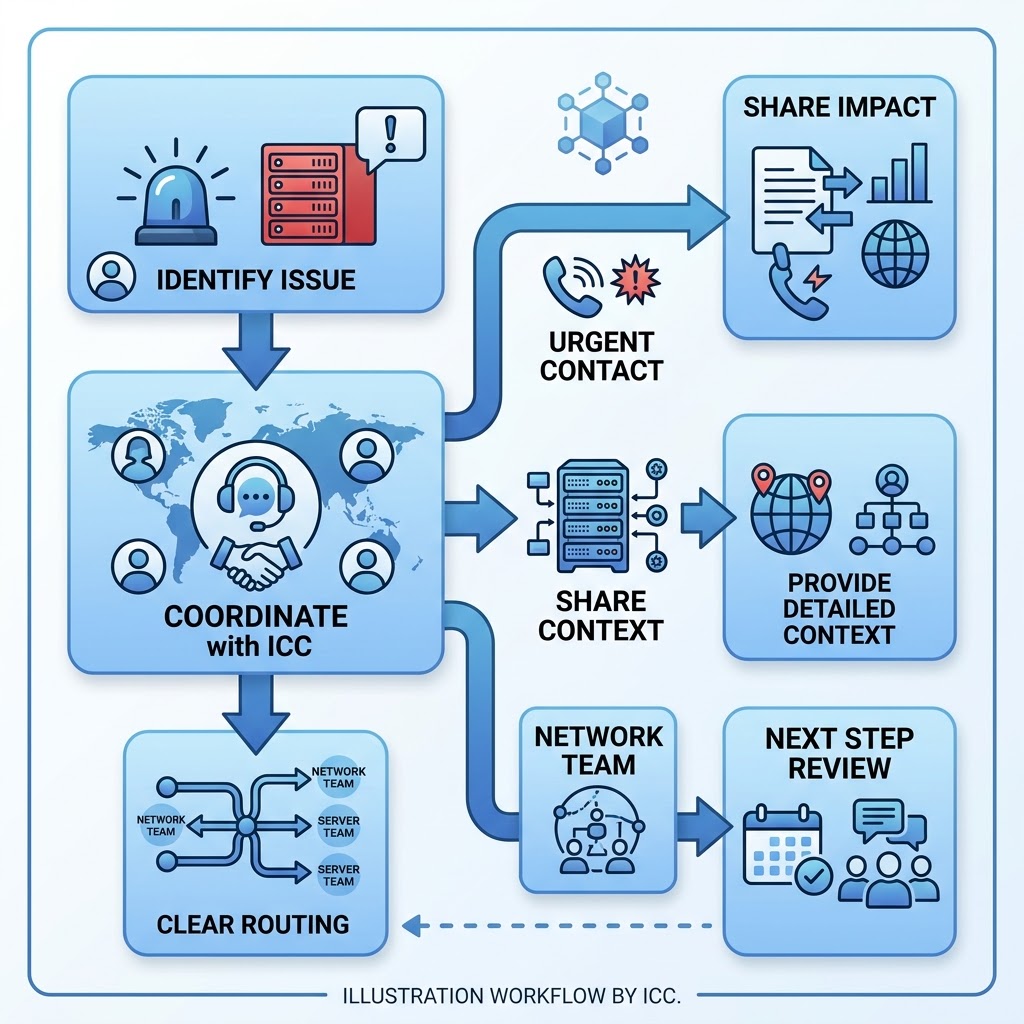
Use emergency support when the issue is affecting a live service or an urgent business operation. Clear impact details help Colo ICC understand the right support path.
A business service, hosted system or customer-facing workload is unavailable or behaving unexpectedly.
Users, applications or sites cannot reach the expected service and your team needs to start a network-impact conversation.
A colocated device, rack-space item or physical task appears related to the current service impact.
You need to connect Colo ICC with the right technical, business or approval contact quickly.
Emergency support conversations move faster when the first message explains what is affected, who can confirm the issue and which service area the problem belongs to.
Do not send passwords, private keys or sensitive credentials in a first email. Colo ICC can advise the appropriate next step for sharing access details if needed.
Name the service, application, site or device affected, and explain what users or business process is impacted.
Include the location name, equipment label, hosting service, cloud workload or connectivity context if known.
Share the phone or email contact who can answer follow-up questions, approve action or join the support conversation.
Use the phone number for urgent contact, then send the affected service, location or system context and the person authorised to continue the support conversation.